Experiments as a First-Class Concept
 Marlies Mayerhofer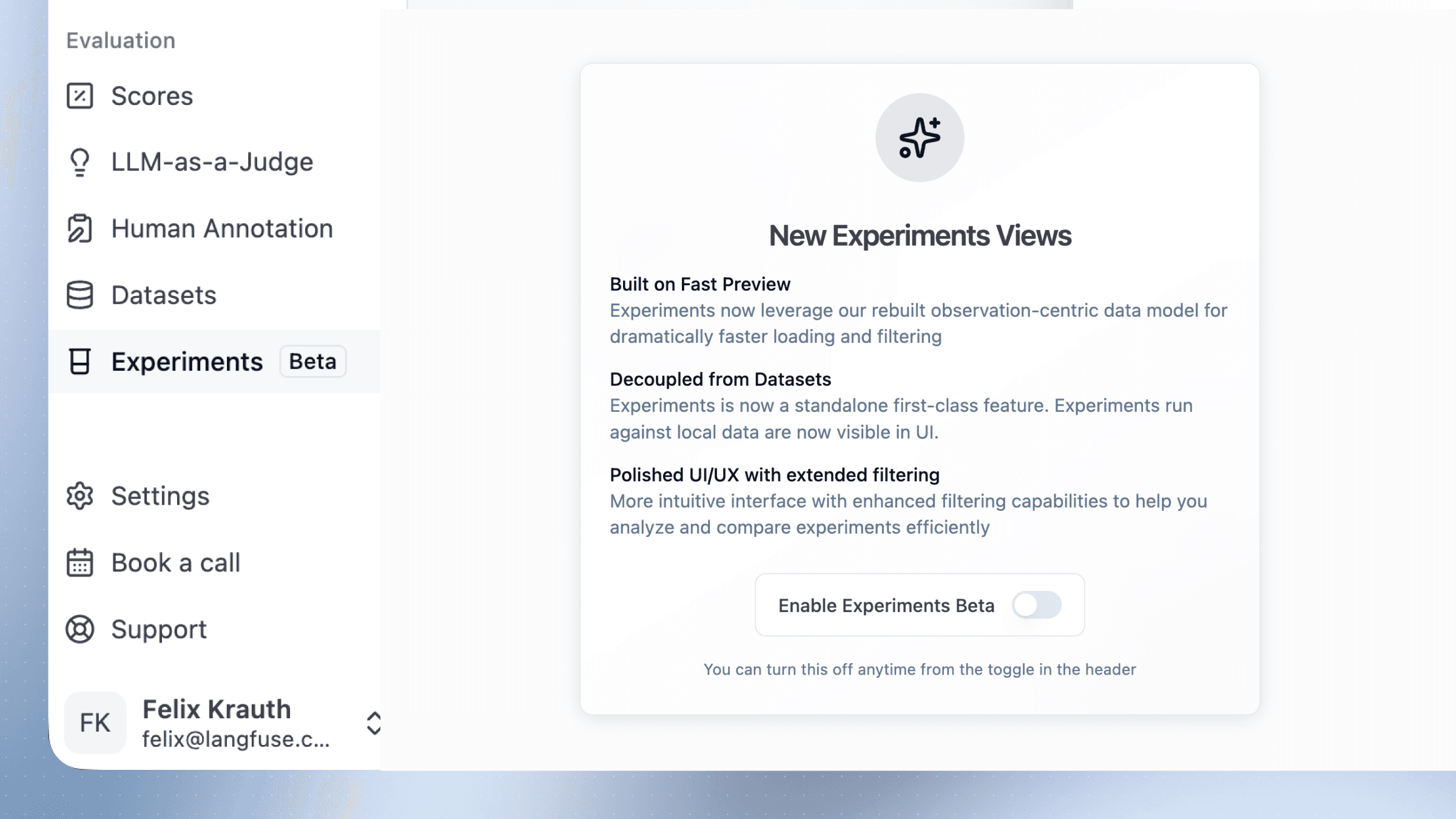
Experiments now live alongside Datasets as their own top-level feature—run them with or without datasets, compare across runs, and track progress over time.
Experiments are now a primary concept in Langfuse, sitting alongside Datasets rather than nested within them. This reflects what experiments actually are: immutable, comparable snapshots of your evaluation runs that let you track progress and catch regressions over time.
While datasets are about data—curated collections of test cases you maintain and grow—experiments are about execution. They capture a specific run of your application against a set of inputs, freezing the results so you can compare them against past and future runs. Think of datasets as your reference material and experiments as the history of what you did with it.
This feature requires Langfuse v4. On Langfuse Cloud, enable it via the toggle in the bottom left of the UI; on self-hosted deployments, upgrade to Langfuse v4 to get started.
Why this matters
Previously, experiments in Langfuse were tightly coupled to datasets. You had to navigate to a dataset first, then view experiments run against it. This made sense for dataset-backed evaluations, but obscured the broader role experiments play in the evaluation workflow.
Now experiments have their own dedicated space. You can browse all experiments across your project, compare runs that used different data sources, and track how your application's performance evolves—regardless of whether those runs were against a curated dataset, sampled production traces, or data pushed directly from your evaluation scripts.
What changed
Experiments exist independently. Create and run experiments without linking them to a dataset. All experiments—dataset-backed or standalone—appear in a unified list.
Flexible data sources. Run experiments against dataset items, production traces, or data you generate locally via the SDK. Compare across sources in the same view.
Faster, cleaner UI. The rebuilt interface loads quickly on large runs, shows visual deltas for scores, cost, and latency, and lets you filter by thresholds to surface regressions.
For a walkthrough on running experiments and interpreting results, see our guide on Systematic Evaluation of AI Agents.